See Your Technician’s Real-Time Arrival with GFiber Tech Tracker
Use GFiber Technician Tracker to monitor your technician's real-time location and estimated time of arrival, and access alerts in the GFiber app to help stay in the know.
Stay informed and prepared for your GFiber in-home appointment with Technician Tracker.

Important: Someone 18 years or older needs to be at home for your entire GFiber appointment.
How GFiber Technician Tracker Works
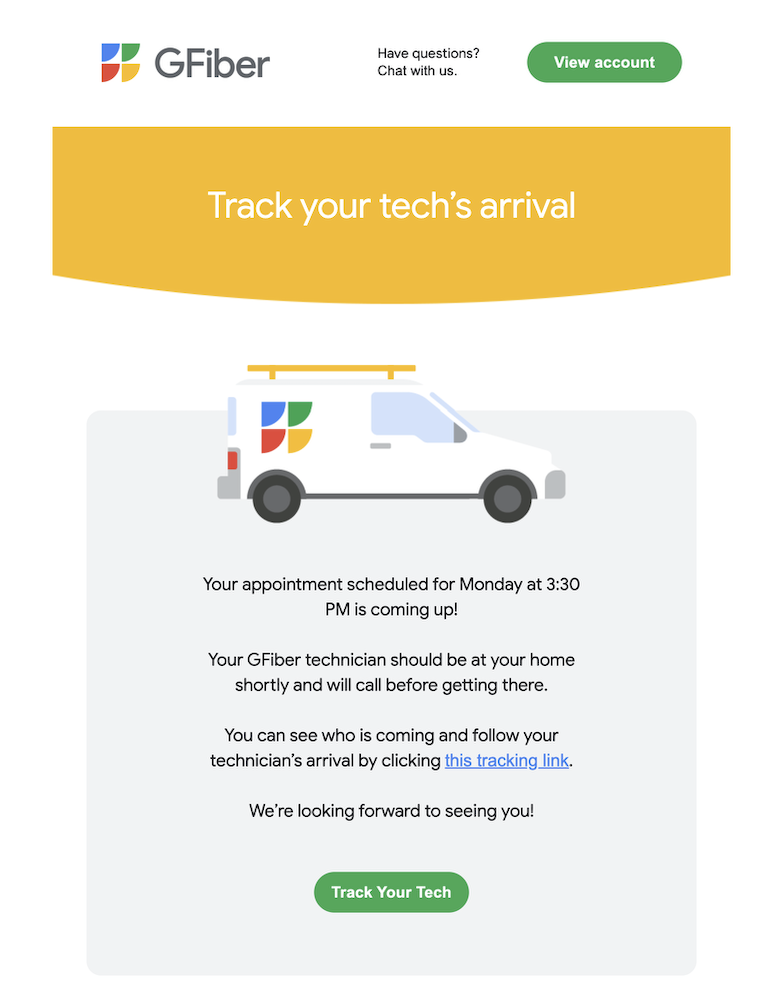
- On the day before your appointment, you’ll receive an email with a link to monitor your technician's progress. You can click on the link or access it in the GFiber app by following these instructions. You’ll be able to track your technician’s route once they are on the way to you.
-
You’ll then receive a text message reminder 2 hours before your scheduled appointment with a link to Technician Tracker.
-
As soon as the technician is heading your way, you’ll receive a final text message and an email alert that include a link to a real-time map showing their location, route, and estimated time of arrival. You can also see this information in the GFiber app by following the instructions below.
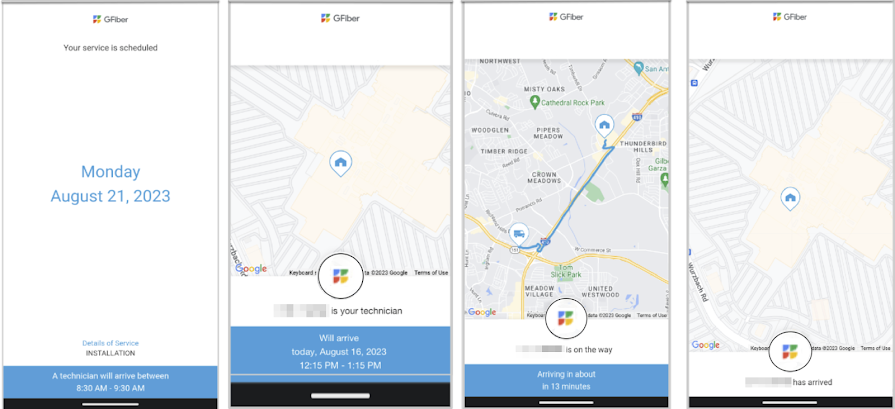

You will receive email and text message alerts to the email address and phone number registered with GFiber. If you don't see email updates in your Inbox, please check your Spam folder.
Use the GFiber Mobile App
- Open the GFiber app.
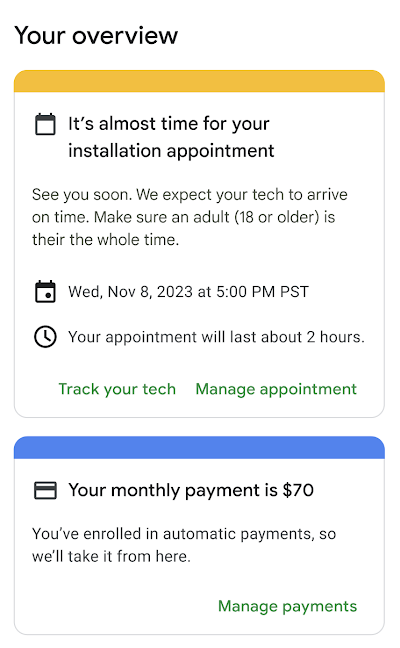
- You’ll find your appointment details on the home screen under Your overview.
-
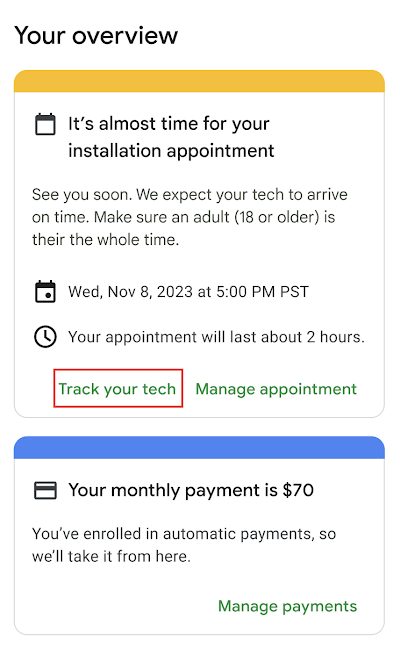
Tap Track your tech. (Please note that this button will only appear 24 hours before your scheduled appointment time and you will only be able to actively track your technician once they are on the way to your home).
-
As soon as your technician is heading your way, you’ll be able to track their progress in real time with a GPS-enabled map. Their location, route, and estimated time of arrival will update live.
-
When your technician arrives, you’ll see it on the map (and at your door)