Sign Up for GFiber Business Service
If your business is eligible for GFiber, you can easily sign up for a service plan online.
Sign Up for GFiber Business
-
Go to fiber.google.com/business and click Check Eligibility. If your location is eligible, you'll be able to choose a plan.
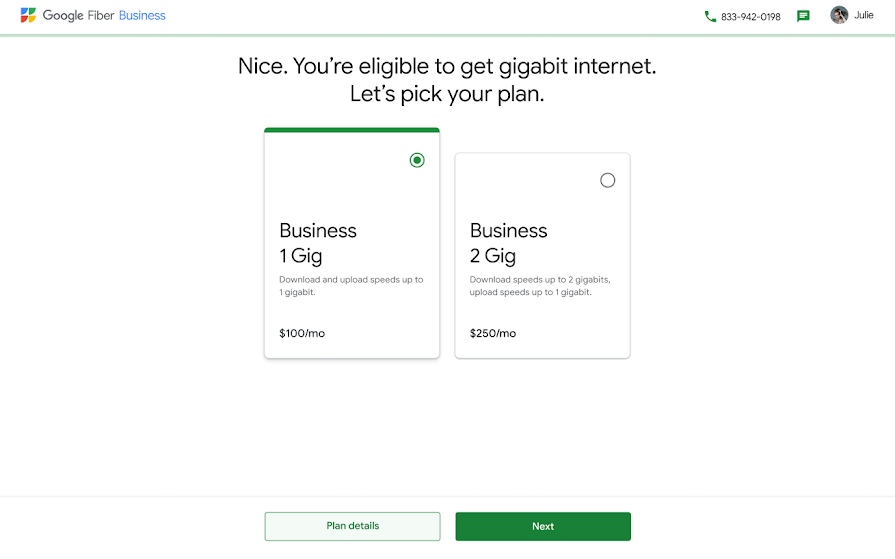
-
Once you've decided on a plan, you can add static IPs if you'd like to.
- Pick a date and time for installation.
-
Next, you'll see a review of your selections. To proceed, click Next.
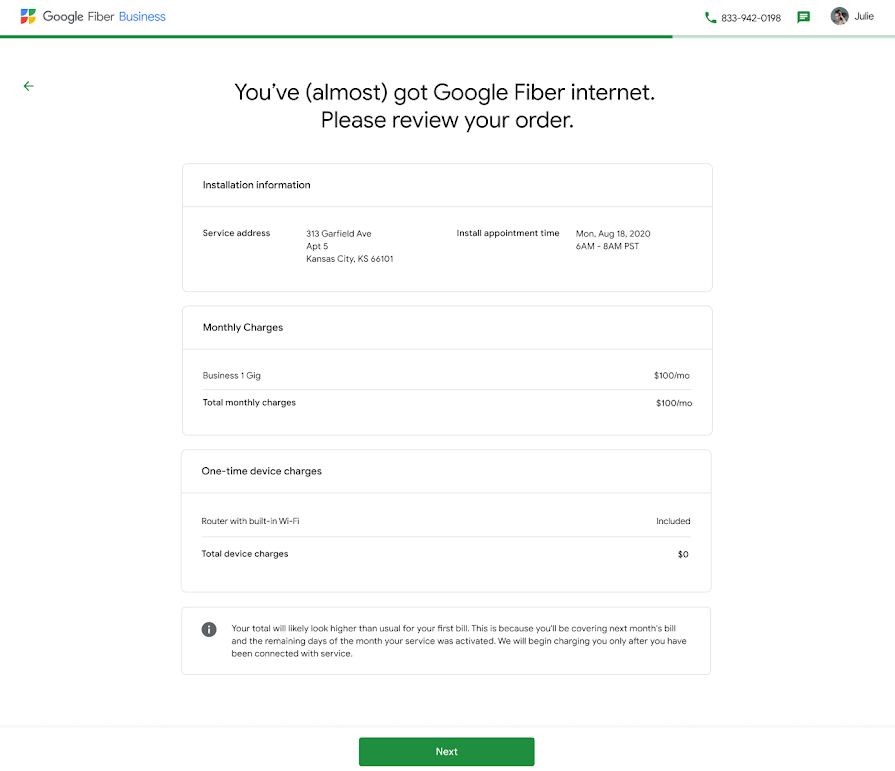
-
Finally, you'll see a summary of your order. If everything looks right, click Continue & Pay. If you want to change something, click Edit Plan.
Once you're signed up, we'll send you a confirmation email and you'll be able to schedule a time to install GFiber soon.