Update Your Email and App Notification Preferences
Learn how to update your communication preferences to manage the emails and texts you get from us. You can make changes in the GFiber App or in your online account.
You'll always get important service updates by email, like appointment reminders, payment confirmations, and monthly invoices. You can also choose to get these by text or a phone call.
For other updates — like product news, special offers, or surveys — you can manage which messages you want to receive.
Use the GFiber Mobile App
Before you start, download the GFiber App for Android or iOS.
- Open the GFiber App and sign in.
- Tap your profile icon in the top right.
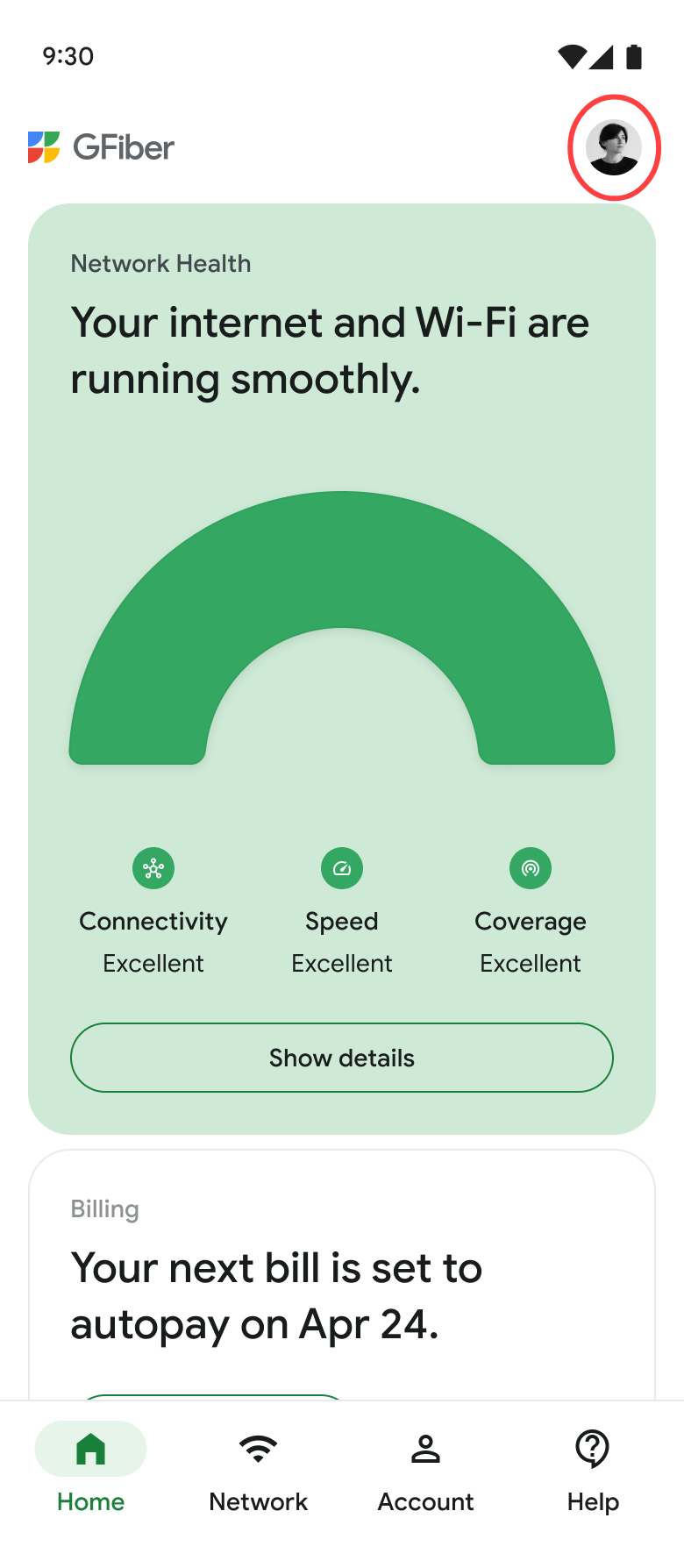
- Tap Communication preferences.
- If you see Notifications are turned off at the top, tap Change settings to allow the app to send alerts.
- Use the toggles to turn messages on or off.
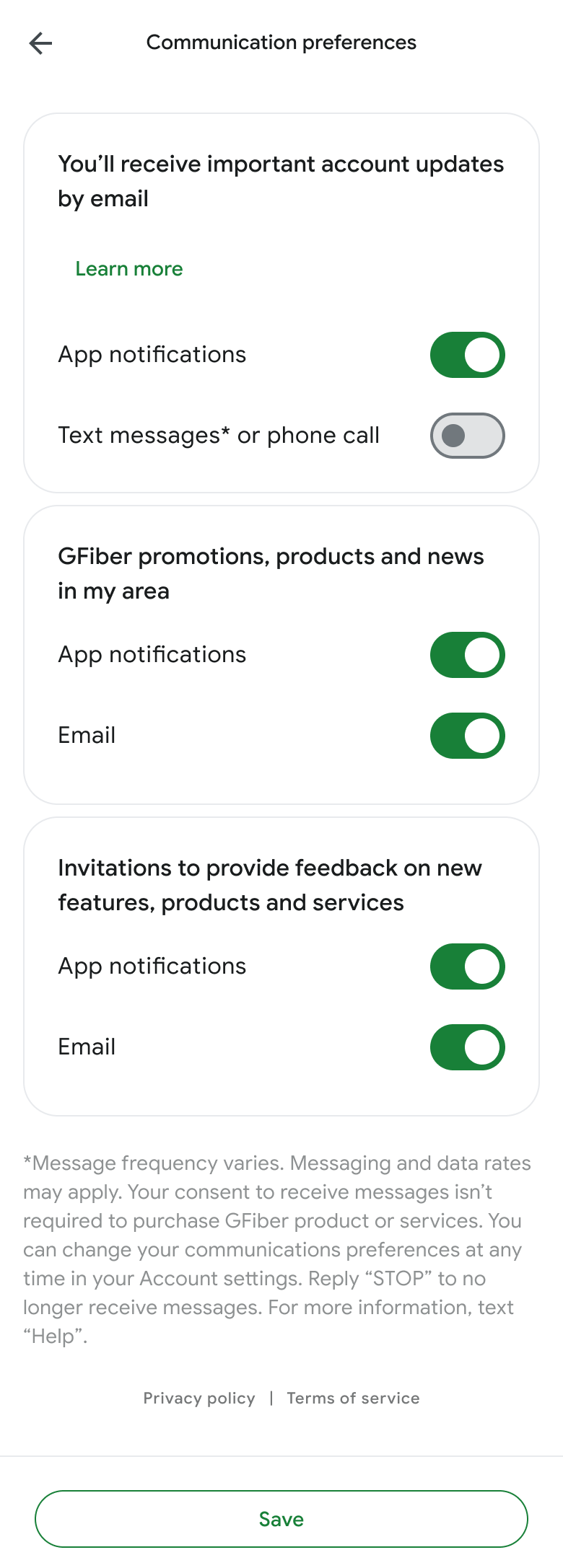
- Tap Save.
Use the GFiber Web Portal
- Sign in to your GFiber account.
- In the left menu, click Account settings. (f you don't see the menu, click the Menu icon ☰ in the top left.
- On the Communication preferences section, click the Edit button.
- Check or uncheck the boxes for the messages you want to receive.
- Click Save.
Manage Email Preferences
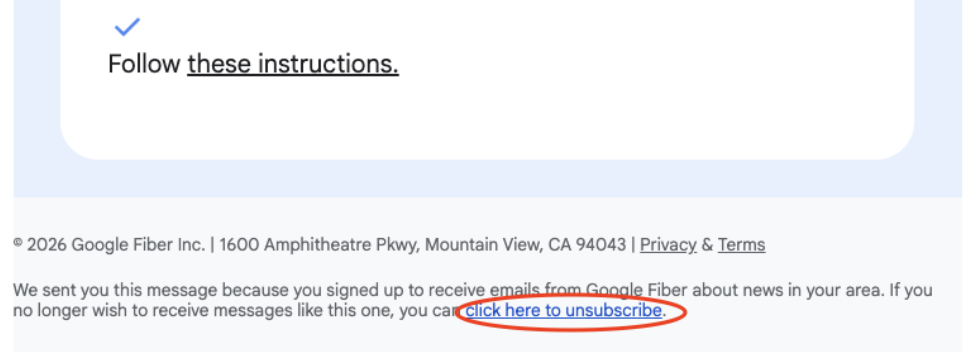
To stop receiving updates from the GFiber mailing list, click the click here to unsubscribe link at the bottom of any email you receive.
If you have any questions, please contact us.