About Your GFiber Account
Learn what you can manage in your GFiber account — from billing and plans to security and network settings.
Need to update your billing info, change your internet plan, or secure your account? You can manage your most important settings anytime from your GFiber account.
To get started, sign in to your GFiber account. Once you’re signed in, you can manage everything listed below.
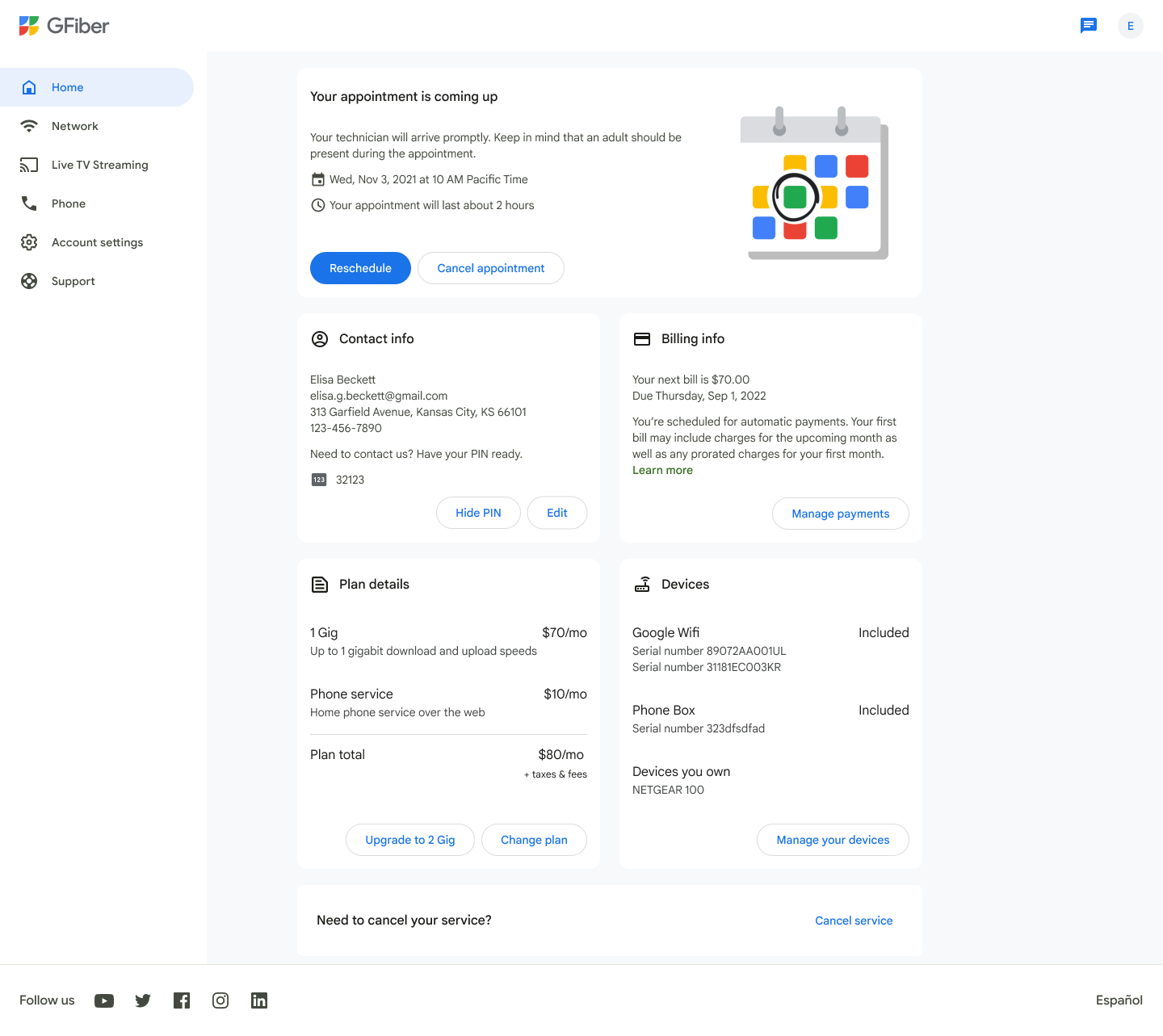

Prefer to manage your account on the go? You can also update these settings in the GFiber App.
Profile and Security
Keep your account secure and your contact details up to date.
- Contact info: Update your email address or phone number.
- Password: Change your GFiber password or recover your password if you’re locked out.
- Passkeys: Set up and use passkeys to sign in with your fingerprint or face scan.
- Support PIN: Find or change your Support PIN, used to verify your identity when you contact support.
- Notifications: Choose how you want to hear from us by updating your notification preferences.
Network
Manage your home internet without calling support.
- Wi-Fi name and password: Change your Wi-Fi network name or password.
- Network settings: Manage your internet and Wi-Fi network, or configure settings for specific devices.
Payments and Appointments
Stay on top of billing and service visits.
- Billing: View and manage your billing and payments. (Note: Billing tools are available after your service is installed).
- Technician visits: Schedule, reschedule or check appointments for installations or repairs.
Service Plan
Review or update your internet service.
- Change plan: Change your internet plan in the GFiber App to better fit your needs.